A media plan sets an expectation before a campaign starts. Budget pacing tells you how spending is progressing against that expectation. Performance review asks a different question: whether the spending is producing useful results. Keep those questions separate. A campaign can be perfectly on budget and still fail commercially.
This guide works through a fictional ₹120,000, 30-day campaign. The numbers are chosen to explain the calculations, not to recommend a daily budget or represent results from a real advertiser. Use the same time zone, completed reporting days and cost definition throughout your own review.
Follow the step-by-step media plan walkthrough with screenshots
Build your baseline with the digital media plan generator
Enter delivery figures in the campaign budget pacing tracker
1. Freeze the original plan before the first review
Save a dated copy showing the advertising budget, campaign dates, channel shares, cost assumptions and conversion definition. If production or other costs are included in the overall campaign, keep them separate from media delivery. The pacing calculation should compare like-for-like advertising costs.
Do not overwrite the baseline whenever results change. Keep an actuals record and a revised forecast alongside it. Otherwise, a plan that has been repeatedly adjusted to match reality can appear accurate while teaching the team nothing about the original assumptions.
2. Calculate expected spend to date
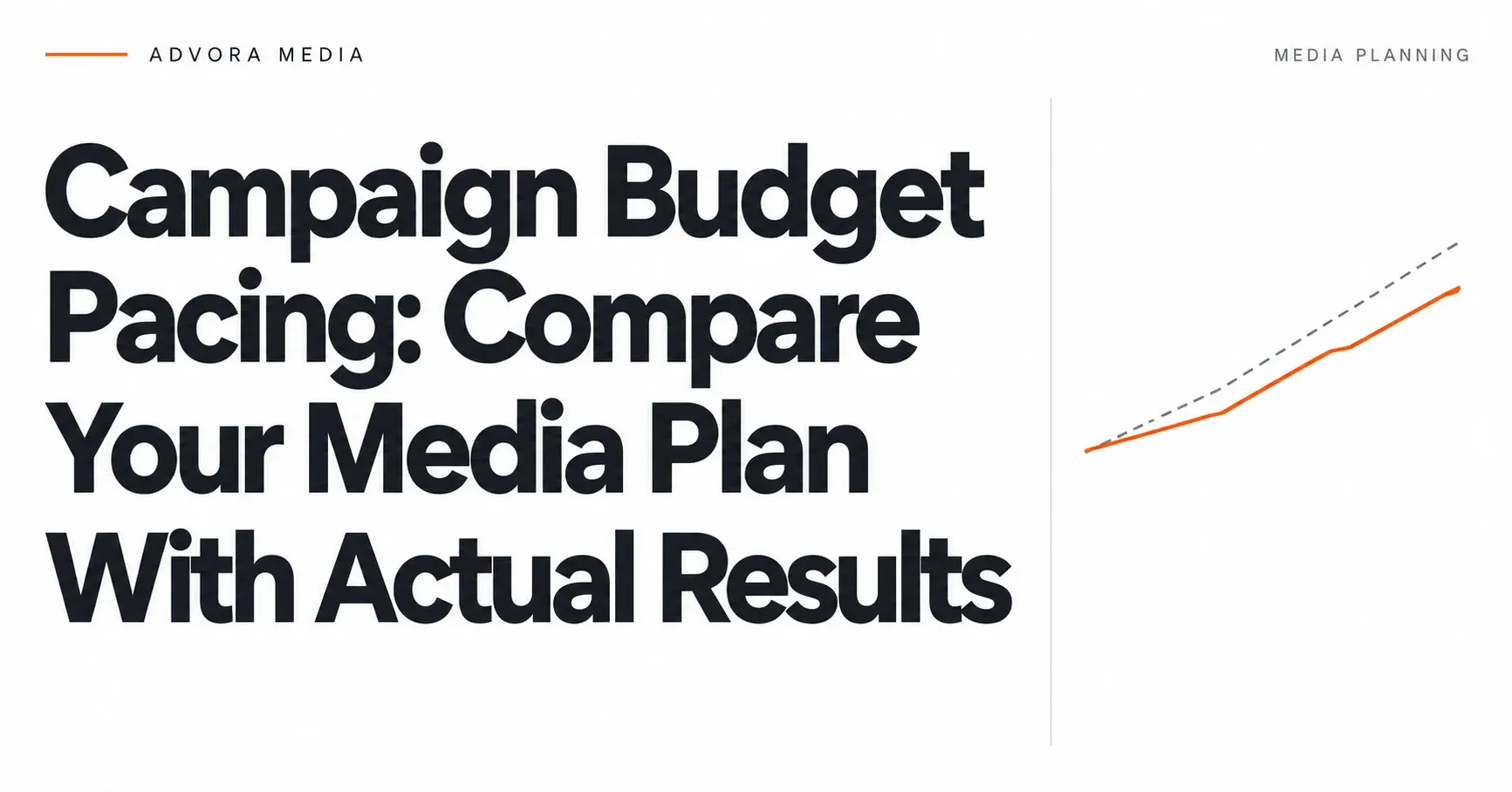
For a deliberately even plan, ₹120,000 divided by 30 days gives an average planned run rate of ₹4,000 per day. At the end of ten completed campaign days, planned spend to date is ₹40,000. If actual advertising spend is ₹48,000, the campaign is ₹8,000 ahead of the straight-line plan, or 20% above the planned-to-date amount.
Express the comparison clearly: actual spend divided by planned spend to date is 1.20, or 120% of planned spend. The variance is 20%, not 120%. This is a monitoring reference, not a claim that an advertising platform must spend exactly ₹4,000 every day.
A campaign with a launch burst, weekend focus or event deadline may need a deliberately uneven schedule. In that case, compare actual spend with the cumulative scheduled amount for those dates. Straight-line pacing can flag a planned burst as overspending when it is actually intentional.
3. Work out the remaining run rate
After ₹48,000 has been spent, ₹72,000 remains from the original ₹120,000 budget. With 20 campaign days remaining, the average remaining run rate is ₹3,600 per day. If the campaign instead continues at the first ten days’ ₹4,800 average, a simple linear projection reaches ₹144,000 over 30 days.
That projection assumes the observed run rate continues. It is not a platform delivery forecast. Review actual campaign budget settings and constraints before changing them; lowering a spreadsheet number does not change an advertising account. Record who will make and verify any platform adjustment.
4. Respect the platform’s budget rules
Google Ads describes campaign average daily budgets as averages rather than a fixed daily spending promise. Its documentation explains daily and monthly limits, including the 30.4 multiplier for the monthly limit for most campaigns. Your own fixed 30-day planning window is not automatically the same as Google’s calendar-month budget treatment.
Check Google’s current average daily budget guidance
Review the applicable budget type and current platform rules when changing limits, dates or delivery schedules. Do not assume the same spending behaviour across Search, social and video accounts. Your pacing sheet is a control aid; the actual budget controls must be configured and checked on each platform.