

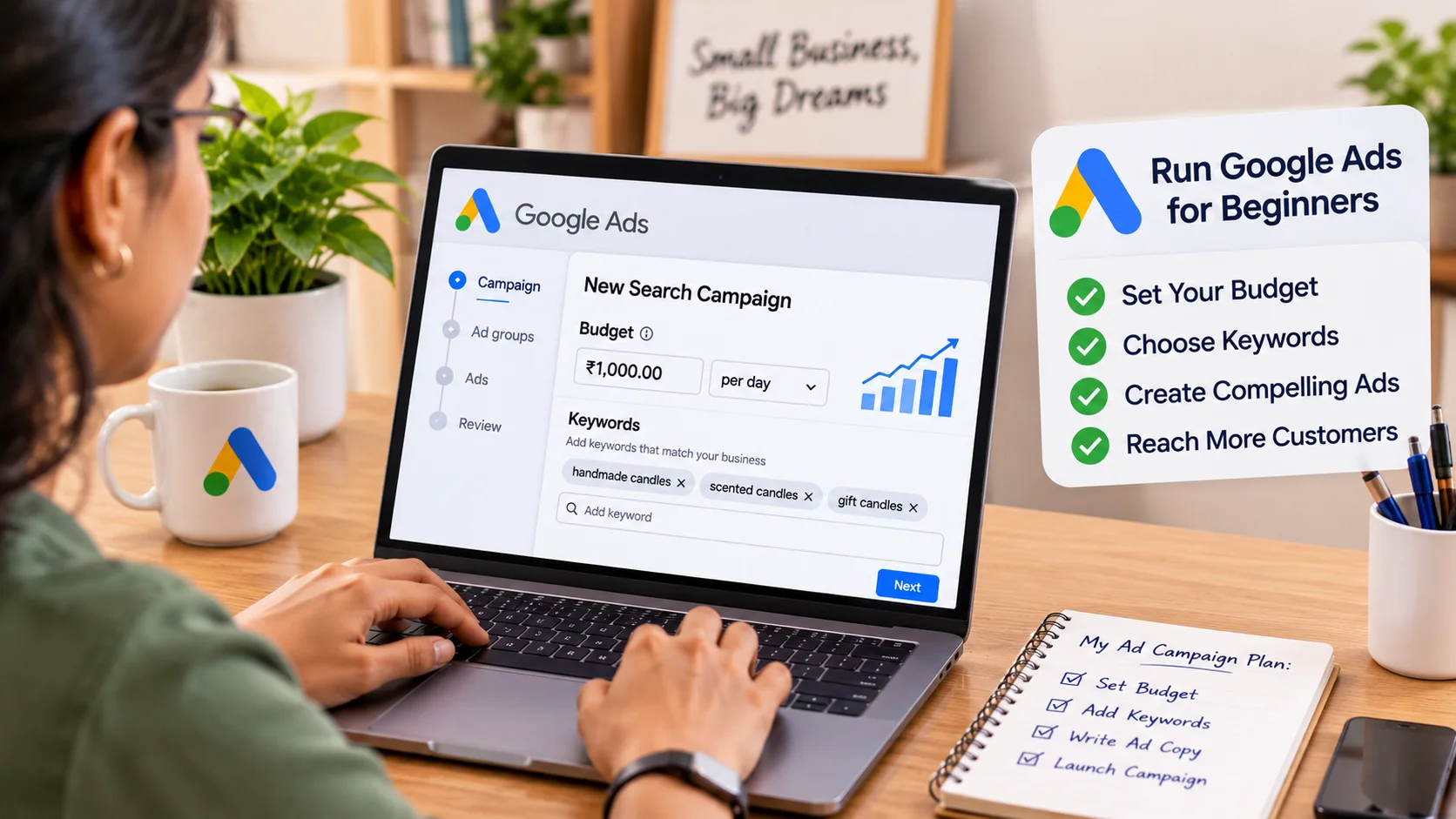
To run Google Ads as a beginner, start with one Search campaign, set up conversion tracking before you spend anything, target a small set of high-intent keywords on phrase and exact match, and set a daily budget of about ₹985 for a ₹30,000 month. Google can spend up to twice your daily budget on a single day, but it won’t charge more than 30.4 times the daily amount in a month. Budget for 18% GST on top, and review your search terms every week.
Key points
- Start with a Search campaign. It captures people already looking for what you sell, which suits small budgets.
- Set up conversion tracking first. Without it, Google cannot optimise and you cannot judge results.
- A ₹30,000 monthly budget means a daily budget of about ₹985, plus 18% GST of ₹5,400.
- New Search campaigns now have AI Max switched on by default. Review each feature before launching.
- Check search terms and add negative keywords weekly. This is where most beginner budgets leak.
What will ₹30,000 get you on Google Ads?
It depends on your cost per click. Indian Search clicks range from about ₹10 to over ₹3,000 depending on the industry, according to upGrowth’s 2026 estimates, though most small business categories sit far lower.
Illustration: at ₹30 per click, ₹30,000 buys about 1,000 clicks; at ₹100 per click, about 300. If 5% to 10% of clicks become enquiries, that is roughly 15 to 100 leads a month.
These are planning numbers, not promises. Check real estimates for your keywords and city in Google’s Keyword Planner before setting expectations. Our guide to Google Ads cost in India has industry ranges.
Editor’s note: This guide uses a worked example throughout: a dental clinic in Kondapur, Hyderabad, running its first campaign for implants, aligners and root canal treatment. Swap in your own business and services.
Step 1: Prepare before you open Google Ads
Three things decide results before you spend a rupee:
- A clear offer. “Free consultation and X-ray this month” beats “best dental care”.
- A focused landing page. One page per service, with a phone number, WhatsApp button and short enquiry form above the fold.
- A way to count leads. Know whether success means calls, form fills, WhatsApp chats or bookings.
If your page loads slowly on mobile or makes people hunt for the phone number, fix that first. Ads send traffic; the page converts it.
Step 2: Create your account and set up billing
Create a Google Ads account with a business Google account. If Google steers you towards a simplified setup, choose the option to create a campaign with full controls, so you can see every setting.
Billing in India. Google India charges 18% GST on ad purchases, and business accounts need a GSTIN. So a ₹30,000 media budget costs ₹35,400 in total.
Businesses deducting tax at source generally deduct TDS at 2% on payments to Google. Speak to your accountant about GST input credit and TDS before your first invoice.
Verification. Google may ask you to complete advertiser verification. Do it early, since reviews can take several business days.
Step 3: Set up conversion tracking
Conversion tracking tells Google which clicks became customers. Set up at least:
- Form submissions through the Google tag or by importing GA4 key events
- Calls from ads using call assets with call reporting
- Clicks on your phone number and WhatsApp button on the website
Turn on enhanced conversions if your form collects email or phone numbers, which helps Google match conversions more accurately.
For lead businesses, the most valuable step is uploading which leads became real patients or customers. Google can then optimise for quality, not just form fills.
Test everything. Submit a test form and check it appears in Google Ads before launch.
Step 4: Choose the right campaign type
Choose Search for your first campaign. Your text ads appear when people search for your keywords on Google.
Avoid Performance Max as a first campaign. It runs across Search, YouTube, Display, Gmail, Discover and Maps, and needs more budget and conversion data to learn well.
Select Leads or Sales as the goal, depending on your business.
Step 5: Set networks, locations and languages
Networks. Untick the Display Network for a Search campaign. Consider unticking Search Partners at the start too; one industry analysis reported by PPC Land found Search Partner returns well below Google Search itself.
Locations. Target the area your customers actually come from. For the Kondapur clinic, that might be a 5 to 8 km radius rather than all of Hyderabad.
Under location options, choose “Presence: people in or regularly in your included locations”. The default can include people elsewhere who are merely interested in the area.
Languages. Add English plus the languages your customers use in their browser or Google settings, such as Telugu or Hindi.
Step 6: Review the AI Max settings
Google’s help documentation says new Search campaigns have AI Max turned on by default. AI Max is a set of automated features inside a Search campaign, not a separate campaign type.
It includes three features:
- Search term matching: shows your ads on searches beyond your exact keywords.
- Text customisation: writes extra headlines and descriptions from your website and ads.
- Final URL expansion: sends people to whichever page on your site Google thinks fits best.
Google says advertisers activating AI Max typically see 14% more conversions or conversion value at a similar cost per acquisition. Independent results are more mixed.
For a ₹30,000 first campaign, consider turning off final URL expansion so clicks land on the pages you built, and review text customisation before allowing generated ad copy. You can test the full AI Max set later, once tracking is proven.
Step 7: Set your budget and bidding
Daily budget. Divide your monthly budget by 30.4. For ₹30,000, set about ₹985 a day.
On busy days Google may spend up to twice that, but it won’t charge more than 30.4 times your daily budget across the month.
Bidding. Smart bidding strategies need conversion data to work well; a common rule of thumb is around 50 conversions or three conversion cycles to calibrate.
A practical start: use Maximise Conversions if tracking is working and you expect a steady flow of leads. If tracking is new or leads will be few, start with Maximise Clicks with a maximum cost-per-click limit for the first two to three weeks, then switch once conversions are coming in.
Step 8: Build ad groups and keywords
Create one ad group per service. For the clinic:
- Dental implants: “dental implants Kondapur”, “dental implant cost Hyderabad”
- Aligners and braces: “clear aligners Hyderabad”, “braces near me”
- Root canal: “root canal treatment Kondapur”, “root canal cost”
Use 10 to 20 tightly related keywords per ad group. Our guide on how to do keyword research uses the same clinic example.
Match types:


