Advora.media
Language

Opens Google Translate in a new tab. Automatic translations may contain errors.

Ad Tech & Martech/ Insights

Why Google Ads Leads Don’t Match Your CRM: A Troubleshooting Checklist

Before changing your tracking, check whether the two reports are counting the same event, for the same people, over the same period.

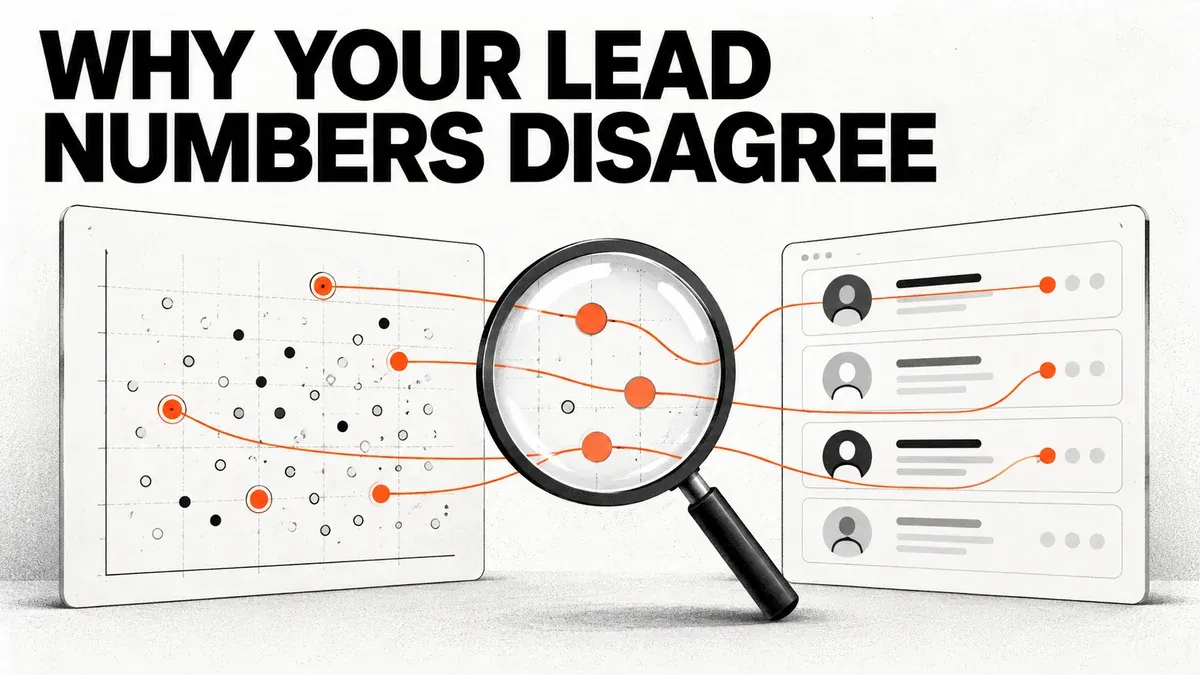
Two reporting panels with event dots and contact records are connected by orange lines under a magnifying glass.
Credit: AI-generated editorial illustration for Advora Media. Conceptual imagery, not an actual project, customer or software screenshot.

Google Ads reports 60 conversions. The CRM contains 43 leads. The advertising team suspects a sales-process problem; the sales team suspects inflated marketing numbers.

Neither conclusion follows from the totals alone.

Google Ads conversions and CRM leads can differ because they count different events, use different dates and apply different attribution rules. A technical fault is possible, but the first job is to make the comparison fair.

This guide is a diagnostic workflow. It does not assume that every gap is harmless or that every account should reconcile perfectly.

1. Write down exactly what each number means

Start with one conversion action, one account and one reporting period. Ask what causes the event to be recorded.

A form submission, a telephone click, a connected call and a qualified prospect are four different events. If Google Ads combines them while the CRM counts unique contacts, the totals answer different questions.

Segment the advertising report by conversion action. In the CRM, separate contacts, enquiries, opportunities and sales. Decide whether a returning contact who submits a second enquiry creates a new lead record or updates an existing one.

2. Put both reports on the same calendar

Suppose someone clicks an ad on 30 September and enquires on 2 October. A report organised by the ad interaction can place the conversion in September, while the CRM records the October enquiry.

Google explains that its reporting date can differ from an external system's event date. Use the relevant “by conv. time” columns when reconciling against conversion timestamps, and align time zones. Upload date is another date again; it is not the date the buyer converted.

Also distinguish a lead's creation date from its qualification date. A CRM report of newly qualified leads is not directly comparable with a report of newly created contacts.

3. Compare the same population

A CRM often contains enquiries from search, social ads, organic traffic, referrals and property portals. A Google Ads account reports conversions it attributes to that account's advertising interactions.

Start with a clearly defined Google-related cohort, but do not assume a CRM's last-click source field recreates Google's attribution model. A person may discover the business through one channel and return through another.

Keep “unknown source” visible. Manually assigning unknown enquiries to Google to close the gap makes the report look tidy while making the evidence worse.

4. Inspect counting and duplicate handling

Google offers One and Every counting settings for conversion actions. One is a rule tied to an ad interaction, not a universal deduplication system for every person in your database.

Inspect what happens when someone submits twice, refreshes the confirmation page or enquires from another device. Check whether both a direct Google Ads tag and an imported analytics event measure the same business action as separate conversions.

Use a stable event identifier where the integration supports it. Do not create artificial new timestamps to make a rejected duplicate count again. Preserve the real event time and resolve the cause.

5. Check which columns and goals you are comparing

“Conversions” and “All conversions” are not interchangeable. Review the action's optimisation settings and the goals actually used by the campaign.

A record can be collected without being part of the metric you are looking at. Conversely, a combined report can count multiple stages of one customer's journey. Review Google's reporting-discrepancy guidance before editing the tracking code.
6. Trace a sample of records through the whole journey

Choose a small, controlled sample of genuine enquiries and inspect them inside authorised systems. Do not put identifiable customer records in a public spreadsheet.

Checkpoint

Evidence to inspect

Website or lead form

Successful submission and actual event timestamp.

CRM

Stable lead ID, source information and stage history.

Integration

Event name, identifier handling, consent state and delivery result.

Google diagnostics

Accepted, rejected, unmatched or pending status where available.

Report

Correct conversion action, date basis and reporting column.

An HTTP success response confirms something about the request, not necessarily that every submitted event became a reported conversion. Review the integration's event-level results and diagnostics.

Allow the documented processing time for your implementation before deciding an upload is missing. A fixed rule such as “everything appears instantly” is unreliable.

A reconciliation example

Here is a hypothetical website-event audit, not a claim about a real account. Suppose a raw submission log contains 60 rows. Ten are repeat submissions from existing enquiries, five are internal tests and two failed to reach the CRM. That leaves 43 genuine unique contacts in the CRM.

The explanation matters more than matching the headline numbers. Repeats need consistent counting. Tests need separation. The two delivery failures need repair.

This example deliberately does not label all 60 rows as Google-attributed conversions. Attribution and platform filtering would require a separate check.

Make the report useful next month

Save a short measurement agreement: event definition, counting rule, source scope, date basis, time zone, cost basis, owner and last reconciliation date. Record known differences alongside confirmed defects.

For consistent campaign naming, use the Bulk UTM Campaign Builder. UTMs help classify traffic; they do not replace conversion identifiers or solve attribution on their own. Our server-side tagging guide explains why moving tracking infrastructure also does not fix a poorly defined event.

Advora's editorial perspective

We would measure tracking quality by how well a team can explain a result, not by whether two dashboards happen to display the same total.

A documented gap can be legitimate. An unexplained gap is work waiting to be done. Forcing agreement through manual adjustments destroys the very evidence needed to improve advertising.

Frequently asked questions

Should Google Ads and the CRM match exactly?

Not across every report. First align event definitions, population and dates. Then investigate the remaining differences instead of declaring a universal acceptable percentage.

Will enhanced conversions remove every discrepancy?

No. Better matching does not make attribution rules, CRM deduplication and reporting dates identical.

Should I change all conversion settings at once?

No. Record the current setup, isolate the cause and make a controlled correction. Otherwise, you may lose the ability to tell which change resolved the problem.

Source note: Platform behaviour was checked against the linked Google Ads documentation on 24 October 2026. The workflow and examples are Advora's editorial synthesis.